
Why File Transfer Tools Matter More Than You Think
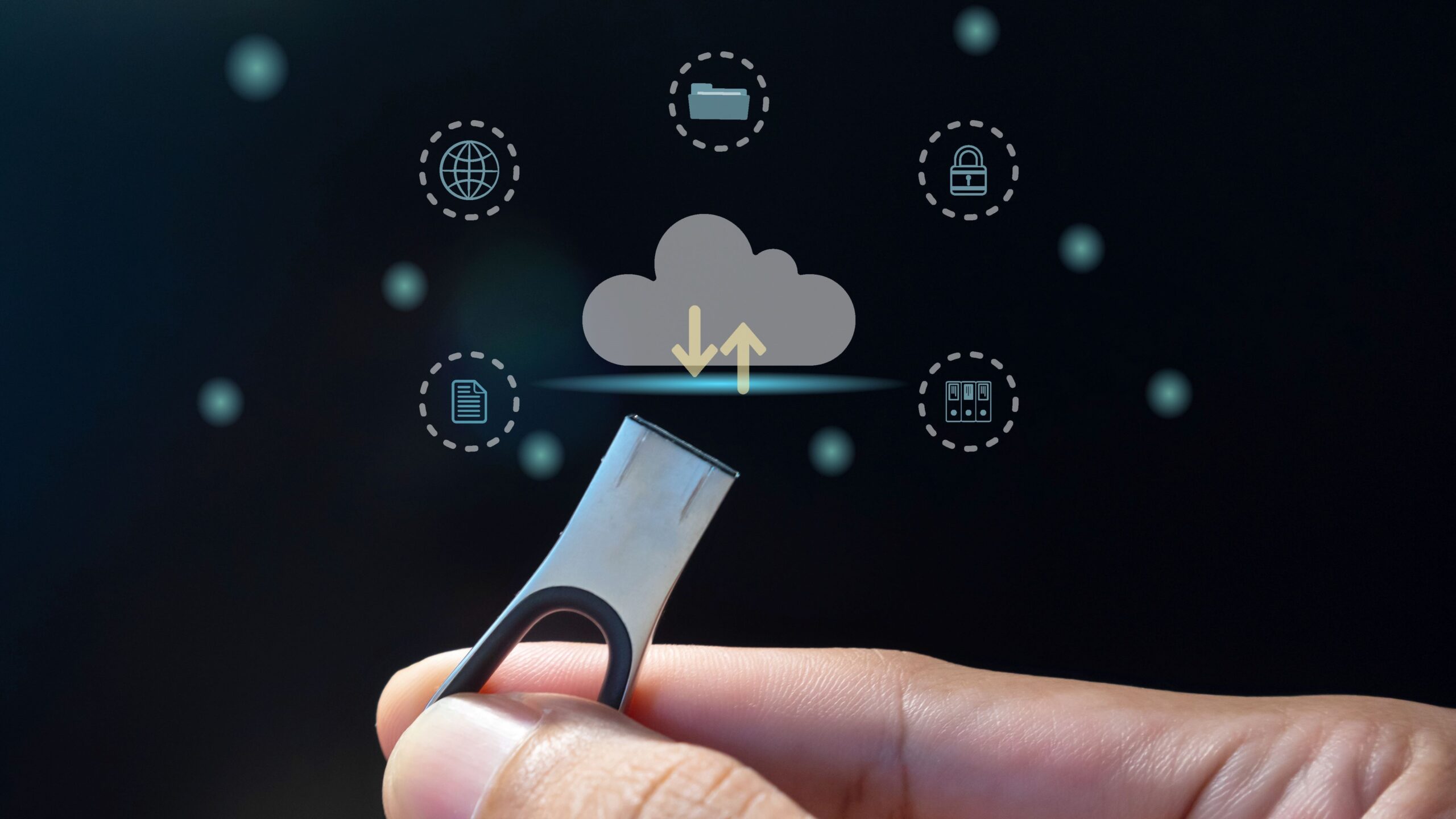
Have you ever stopped to think about how often you transfer files every day? Whether it’s sending a quick photo, sharing large business documents, or collaborating on huge multimedia projects, file transfer tools play a crucial, yet often unnoticed role in our digital lives. Despite their behind-the-scenes presence, these tools are the backbone of efficient, secure, and seamless data exchange. Let’s dive into why these tools matter far more than you might imagine.
What Are File Transfer Tools
File transfer tools are software applications or services designed to help move digital files from one device or user to another. They range from simple methods like email attachments and USB flash drives to more advanced solutions such as cloud storage services and encrypted transfer protocols. The primary purpose of these tools is to make sharing data easy, fast, and secure, eliminating the hassle of physical transfers and overcoming limitations related to file size and format. Whether you’re sending a small photo or a large multimedia project, file transfer tools are there to ensure the data gets where it needs to go efficiently.
Beyond just moving files, many modern file transfer tools offer integration with other services, support for real-time collaboration, and the ability to control access to sensitive information. This means users can work together on the same files, track changes, and maintain privacy and security at the same time. In a world increasingly reliant on digital communication and data sharing, file transfer tools have become indispensable for personal use, businesses, and large enterprises alike.
The Evolution of File Transfer Methods
File transfer methods have evolved significantly over the past few decades. In the early days, physical media like floppy disks, CDs, and USB drives were the primary ways to share files. While these methods worked, they were limited by physical availability, slower speeds, and risk of damage or loss. As internet connectivity improved, digital transfer protocols such as FTP (File Transfer Protocol) became popular, enabling users to send files across networks without physical media.
Today, file transfer has largely moved to cloud-based platforms such as Google Drive, Dropbox, and OneDrive, offering instant access to files from anywhere in the world. These services not only allow for easy sharing but also provide backup, version control, and enhanced security features. This ongoing evolution reflects the growing demand for faster, safer, and more convenient ways to transfer files, keeping pace with the increasing volume and complexity of digital data.
Common Types of File Transfer Tools
There are several key categories of file transfer tools, each suited for different purposes and environments. Understanding these types helps in selecting the right tool for your specific needs:
- Cloud-Based File Transfer
- Peer-to-Peer (P2P) Transfer
- FTP and SFTP Protocols
Each type varies in how files are shared, the level of security they offer, and their overall ease of use.
Cloud-Based File Transfer
Cloud-based file transfer tools allow users to upload files to remote servers and then share access via links rather than sending the entire file directly. This method is especially convenient for handling large files or when multiple collaborators need access without downloading bulky attachments. Because the files are stored online, users can access them from any device with internet connectivity, providing unparalleled flexibility and mobility.
In addition to ease of access, many cloud services offer features like automatic backups, file versioning, and collaborative editing, making them powerful tools for both personal and business use. Security is also a top priority for these platforms, which typically include data encryption, user authentication, and permission controls to keep shared content safe from unauthorized access.
Peer-to-Peer (P2P) Transfer
Peer-to-Peer (P2P) file transfer technology enables direct file sharing between devices without relying on a central server. In this setup, files are sent straight from one user’s device to another, which can significantly speed up the transfer process and reduce server costs. P2P is widely used for distributing large files within local networks or globally among users who want quick, direct access.
The advantages of P2P include fast transfer speeds and reduced infrastructure requirements since no intermediary server is needed. However, this method requires both sender and receiver to be online simultaneously, and ensuring security can be more challenging without proper encryption and safeguards. Despite these drawbacks, P2P remains popular in contexts such as multimedia sharing and software distribution due to its efficiency and simplicity.
FTP and SFTP Protocols
FTP (File Transfer Protocol) is one of the oldest and most established methods for transferring files over the internet. It allows users to connect to remote servers to upload and download files, making it useful for managing large datasets and for business communications. However, the standard FTP protocol lacks encryption, meaning data transferred via FTP can potentially be intercepted or compromised.
To address these security concerns, SFTP (Secure File Transfer Protocol) was developed as an extension of FTP that uses SSH (Secure Shell) to encrypt the data during transmission. This added security makes SFTP a preferred choice for organizations that handle sensitive or confidential information. Additionally, SFTP supports detailed access controls and logging, which are essential for compliance with security standards and regulations in many industries.
Why File Transfer Tools Are Crucial in Modern Workplaces
In today’s fast-paced business environment, the ability to send files quickly and securely is more than a convenience—it can be a decisive factor in closing deals and maintaining competitive advantage. Companies often work with partners, clients, and teams located across different countries and time zones. File transfer tools break down geographical barriers by enabling seamless sharing of documents, presentations, and data in real time. This connectivity accelerates decision-making processes and eliminates the delays typically associated with traditional file-sharing methods, such as courier services or physical media.
Beyond speed, these tools enhance collaboration by providing a centralized platform where files can be easily accessed, edited, and managed by multiple stakeholders simultaneously. The elimination of physical presence requirements allows businesses to operate flexibly and adapt quickly to changes in project demands or market conditions. Overall, file transfer tools have become indispensable in streamlining workflows, reducing costs, and fostering a more connected workplace culture.
Security Concerns and How Tools Address Them
In an age where data breaches and cyberattacks are increasingly common, security is a paramount concern when transferring files. Sensitive information—ranging from proprietary business data to personal customer details—can be exposed if not adequately protected during transmission. Recognizing this risk, modern file transfer tools come equipped with advanced security measures designed to safeguard data integrity and confidentiality.
Key security features include encryption, which scrambles data to make it unreadable to unauthorized parties during transfer, and two-factor authentication, which adds an extra layer of identity verification to prevent unauthorized access. Many tools also incorporate activity monitoring and audit trails to track file transfers and detect suspicious behavior. These protections help businesses comply with data privacy regulations and build trust with clients by ensuring that sensitive information remains secure throughout the transfer process.
| Security Feature | Purpose | Typical Availability | Benefit |
| Encryption | Protects data by converting it into unreadable code | Standard in most modern tools | Prevents data interception during transfer |
| Two-Factor Authentication | Requires two forms of identity verification | Offered by many premium services | Enhances user account security |
| Access Controls | Limits who can view or edit files | Widely available | Prevents unauthorized file access |
| Activity Logs & Audit Trails | Tracks who accessed or transferred files | Available in enterprise-grade tools | Helps detect and investigate breaches |
The Impact on Productivity and Collaboration
File transfer tools dramatically improve productivity by streamlining how teams share information. In traditional workflows, waiting for files to arrive—whether by email attachments limited by size or through physical transfer—can cause frustrating delays and miscommunication. With efficient file transfer solutions, files move instantly and reliably, cutting down these bottlenecks. This smooth flow of information ensures that projects progress without unnecessary interruptions and teams remain on the same page.
Moreover, many tools include collaborative features like real-time editing, commenting, and version control, allowing multiple users to work together seamlessly. This integration fosters better communication, reduces errors caused by outdated files, and encourages innovation by making teamwork more dynamic and efficient. In essence, file transfer tools don’t just move files—they transform how teams collaborate.
File Transfer Tools and Remote Work
The recent surge in remote work has made file transfer tools absolutely essential for maintaining business continuity. Employees working from home or other locations rely heavily on these tools to share critical documents and collaborate without being physically present in an office. Reliable file transfer ensures that remote teams can communicate and access necessary resources securely, regardless of their physical distance.
Without efficient file transfer systems, remote work would face significant hurdles—delayed information, lost files, and security vulnerabilities. These tools bridge the gap between dispersed team members, enabling smooth workflows and helping companies maintain productivity despite geographical separation. Ultimately, file transfer tools are foundational to the success of remote work models and the future of flexible, digital-first workplaces.